
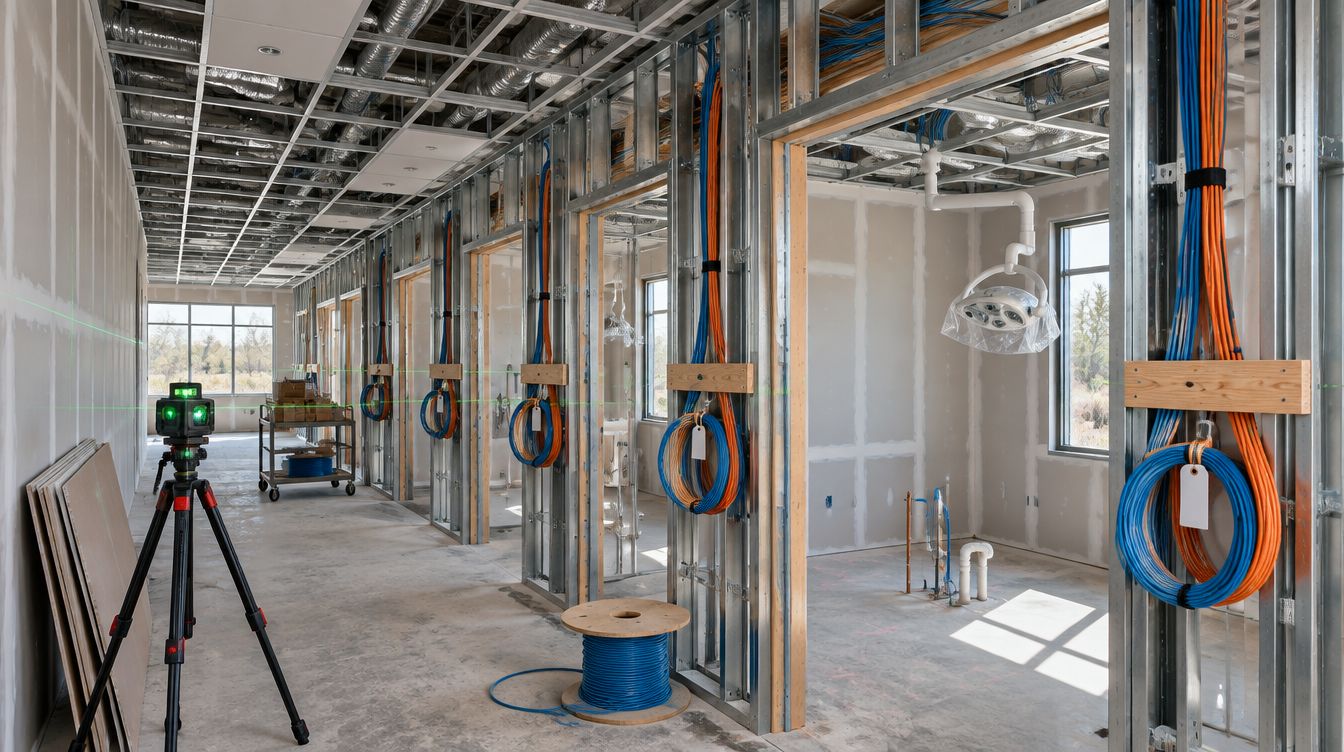
WiFi installation for a Dallas–Fort Worth dental office means ceiling access points wired back to the closet, placed for the rooms as built, with a staff network and a separate patient network that cannot reach the clinical computers. ClearMax technicians install it as part of the buildout and test every room before handover.
Last updated: November 2026
Why does a dental office need more than a router?
The box the internet provider leaves in the closet can get a few devices online. It was not built for a practice with a dozen rooms, metal equipment in each of them, shielded imaging walls, and two groups of users who must never share a network. Commercial WiFi is a set of parts that each do one job:
- A firewall between the internet line and everything inside, holding the rules that keep networks apart.
- A switch in the closet that feeds and powers every access point over its cable.
- Access points on the ceiling, enough of them to cover each room with the doors shut.
- A controller or cloud dashboard that manages them as one system, with the practice holding the login.
Each part sits on the cabling plan, which is why WiFi and structured cabling are designed together, not one after the other.
Which devices belong on WiFi, and which get a cable?
The rule that sorts it: anything that stays in one place and that the day depends on gets a cable. WiFi is for the things that move.
| Device | Connection | Reason |
|---|---|---|
| Server and closet equipment | Cable | Every other device depends on them |
| Operatory and imaging computers | Cable | Image files are large, and a sensor capture should not wait on radio traffic |
| Front desk computers, phones, printers | Cable | Fixed, and the schedule runs through them |
| Cameras and door readers | Cable | They must keep working when the WiFi is busy |
| Tablets and staff laptops | Staff WiFi | They move from room to room |
| Patients' phones | Patient WiFi | Internet only, nothing inside |
The software vendor's workstation sheet lists a 1000 Mbps network connection as its typical minimum, which a cable delivers every time and WiFi delivers only on a good day. That is why clinical computers stay wired.
Where should an access point never go?
Most coverage problems in dental offices come from where the access point was put, not which model was bought.
- Not in the closet. The closet is the worst place in the office for a radio: walls on every side and metal racks in front.
- Not on top of a cabinet or a shelf. Equipment and casework block the signal, and someone moves it eventually.
- Not behind the imaging room wall. The shielding that contains X-rays also stops WiFi, so the room behind it needs its own coverage or none at all.
- Not above the sterilizer or the compressor. Heat and vibration shorten the life of the unit, and service there means working over equipment.
- Not where the front desk can reach it. A unit in reach gets unplugged to free an outlet.
The right place is usually the ceiling, centered over a corridor or a cluster of rooms, with clear air above the casework. Positions are drawn from the floor plan, checked against the reflected ceiling plan so they do not land on a light fixture or a sprinkler head, and confirmed with the walls and equipment in place.
How is the patient network kept away from the charts?
By building it as a separate network from the start, not as a second name on the same one. In practice:
- Its own segment, which the firewall lets reach the internet and nothing inside the office.
- Client isolation, so one patient's phone cannot see another's.
- A staff network with its own credentials, changed when someone leaves.
- A handover test: a phone joins the patient network and tries to reach the server and printers. Every attempt should fail, and that result is written down.
The vendor makes the same point about its database: it says the database is only as vulnerable as the local network's security allows, and that its port should never be opened on routers. A separate patient network means a guest device never gets close enough to try.
State law adds a reason to take the staff side seriously too. Texas Business and Commerce Code 521.052(a) requires a business to implement and maintain reasonable procedures to protect sensitive personal information from unlawful use or disclosure. A shared WiFi password printed on a card at the front desk is hard to call a reasonable procedure. So the staff password is never posted, and the handover record says who holds it.
How many access points does a practice need?
It depends on the walls more than the square footage, which is why any number given without a floor plan is a guess. A practice with eight operatories off one corridor may need fewer units than a practice of the same size laid out around a central desk with a shielded imaging room. Capacity matters as well: a full waiting room with every patient streaming video on a busy morning loads a network far more than a coverage map suggests.
Current access points use the 2.4, 5 and 6 GHz bands. The higher bands carry more traffic but pass through walls less well, so units are placed close enough together for the higher bands to reach each operatory with the door closed. Neighbors count too: in a medical office building, other tenants' networks compete for the same channels, and the design picks channels around them.
What happens to WiFi when the power fails?
Access points powered from the switch stay up as long as the switch does, so their fate is the closet battery's. The Texas Comptroller cites a University of Houston survey in which 69 percent of Texans lost power at some point during the February 2021 winter storm. A battery cannot carry an office through days like that. What it does is ride out a short flicker, keep the phones and network alive for a few minutes, and give the server time to shut down cleanly. The plan says what stays up and for how long, so nobody is surprised during the next storm.
What gets tested before handover?
- Signal in every room, measured with the doors closed and the equipment running.
- A device walked from one end of the office to the other without dropping.
- The patient network reaching the internet and failing to reach anything inside.
- The staff network reaching only what staff devices need.
- A restart of the switch, to prove every access point returns by itself.
The results, the list of access points with their positions and names, and the network names go into the practice's handover record. Passwords go to the person the practice names, not onto a sticky note on the rack.
Can WiFi be fixed in an office that is already open?
Usually. It starts with what the practice can send: a floor plan or sketch, the current equipment, and the rooms where it fails. New access points may need new cable runs through the ceiling, done after hours. The quote is built from those details, and if more work is needed once the ceiling is open, it is brought to the practice's attention and the bid is updated.
Who looks after the WiFi once the office opens?
A network that worked perfectly at handover drifts. New phones join, a neighbor in the building adds a powerful access point on the same channel, a firmware update changes a setting, and a room that was fine in March is weak by August. The handover record gives whoever looks after it a baseline to compare against: the measured signal per room, the channel plan and the list of devices on each network.
The same closet and switch also run the cameras and the door readers, so a change to the switch is a change to all three. That is why the admin logins sit with one named person at the practice, and why any change gets a line in the record. Practices that would rather not track this themselves can hand it to a managed plan; others keep the record and call when the numbers slip.
WiFi questions from Dallas–Fort Worth offices
Do we have to offer patients WiFi?
No, but most waiting rooms expect it. If you offer it, it runs on its own network with its own password, changed on a schedule. If not, the design leaves room to add it later.
Will WiFi slow down imaging?
Not when the imaging computers are wired, which is the plan here. Slow images on WiFi are a sign the clinical computer should have had a cable.
Can we keep the access points from our old office?
Sometimes. Units without current firmware or support for the newer bands are usually replaced, and the plan says which.
Who owns the WiFi logins?
The practice. Every admin account is created in the practice's name and handed over at the end, along with the list of who holds each one.